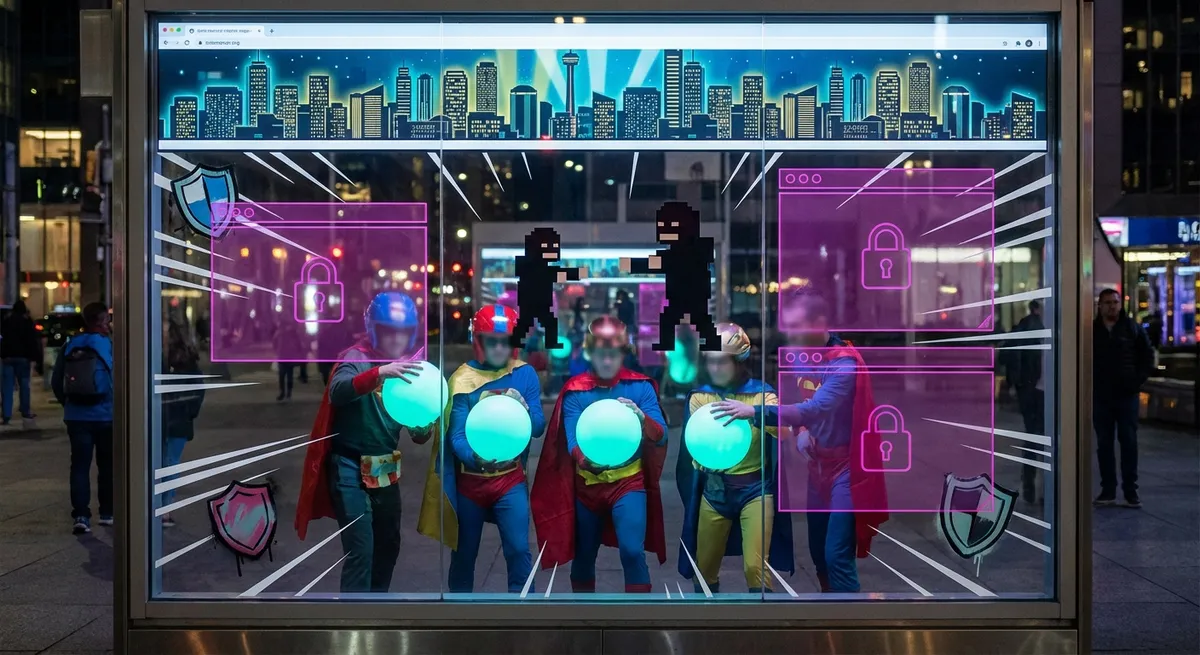
Your website already has fans, followers, and customers—but it’s missing one powerful role: security allies. In a world where screenshots move faster than support tickets and one shady link can tank your brand vibes overnight, your visitors aren’t just “traffic.” They’re part of your defense system.
This isn’t a doom-and-gloom, hacker-in-a-hoodie guide. This is your playbook for turning everyday visitors into low-key guardians of your brand—without killing the vibe, the conversions, or the aesthetics. Let’s flip the script and make security something your users are actually excited to share.
1. Make Security Part Of Your Brand Aesthetic, Not Just Your Footer
Security doesn’t have to live in tiny legal text at the bottom of your site. When you treat safety like part of your brand experience, people notice—and they talk about it.
Turn your security choices into visible signals, not background settings. Think: a clean, modern “Protected Checkout” badge that matches your color palette, a short line under your forms like “We encrypt this info before it leaves your device,” or a snappy tooltip explaining why you don’t ask for unnecessary details.
The key is to look intentional, not paranoid. When visitors see that your security language is clear, human, and consistent with your brand voice, they’re more likely to trust you—and more likely to share your site with a “this brand actually cares” comment attached.
Host Qio tip: Audit your site like a new visitor. Can someone tell, in 5 seconds or less, that you take their data seriously without reading a policy page? If not, your security vibe needs a glow-up.
2. Turn Login & Signup Into A “Smart, Not Sketchy” Moment
Your login and signup flow is where people silently judge you the hardest. If it feels clunky, confusing, or sketchy, they bounce—and they might warn others.
Modern users expect a frictionless but smart flow:
- Clear hints that passwords are encrypted and never stored in plain text
- Option for passwordless login (magic links, passkeys, or trusted SSO like Google/Apple)
- No weird demands for unrelated info “just because”
- Honest error messages like “That password is too weak—try adding a phrase or 3+ random words” instead of “Invalid input”
When your auth flow feels both safe and modern, people trust logging in from their phone on public Wi-Fi, from a new laptop, or in front of friends. That’s how you go from “I’m not sure about this site” to “Use this one, they do it right.”
Host Qio tip: Test your login flow on mobile with one thumb. If it feels exhausting or confusing, your security isn’t user-first—it’s just getting in the way.
3. Treat Suspicious Activity Like Customer Support, Not A Lockdown
Nothing kills your brand energy like users suddenly getting locked out with no clue what happened. Yes, security tools should flag suspicious behavior—but how you respond determines whether someone rants on social media or praises your transparency.
Instead of silent blocks and vague “access denied” messages, try:
- Friendly alerts like “We noticed a login from a new device. Was this you?”
- Easy in-email verification instead of long, confusing forms
- Clear explanations: “We temporarily paused this action to protect your account. Here’s how to get back in fast.”
When your security response feels like a helpful concierge instead of a brick wall, people trust you more after something weird happens than they did before. That’s rare—and extremely shareable.
Host Qio tip: Write your security alerts like customer service DMs, not system logs. Real language beats error codes every time.
4. Give Users Tiny Security Wins They Can Flex About
People love feeling smart. If you help them feel like they just did something “pro level” for their own safety, that’s peak shareable content.
Bake micro-moments into your site that reward good security behavior, like:
- A fun popup after enabling multi-factor auth: “You just leveled up your account security. Hackers hate this one.”
- A quick checkup banner: “Your account is 80% secure. Add one more step to hit 100%.”
- A dashboard tile: “Devices logged in: 3. You’re all good—and can log others out anytime.”
These tiny, visual celebrations turn boring security settings into bragging rights. People share screenshots of good design, clever wording, and “I feel safe here” moments. Make yours screenshot-worthy.
Host Qio tip: Anywhere you ask users to do something extra for security, give them immediate, visible feedback that makes it feel like a win, not a chore.
5. Build A “See Something, Say Something” Culture That Doesn’t Feel Awkward
Your visitors spot weird stuff before your team ever does: fake social profiles, scam emails pretending to be you, sketchy clone sites. The problem? Most people don’t know how to tell you—or if you’ll even care.
Make it ridiculously easy and socially normal to report suspicious activity:
- A simple “Report something sketchy” link in your footer or help center
- A friendly security email like security@yourdomain that’s actually monitored
- A short page that explains: “Here’s what phishing looks like, here’s what we’ll never ask for, here’s how to send us screenshots.”
When you treat user reports like gold instead of annoyance, they become an extension of your security team. And when people see a brand that openly says, “Help us keep this safe,” it flips your image from vulnerable to responsible.
Host Qio tip: Close the loop. When someone reports something, send a short “You helped protect this community” reply. That one line turns a one-time reporter into a lifelong ally.
Conclusion
Security doesn’t have to be invisible, boring, or fear-based. When you design your website like your visitors are part of the security story—not just passive clicks—you create something rare: a brand that feels modern, safe, and human at the same time.
From login vibes to micro-celebrations and easy reporting, the way you handle security can become one of your strongest brand flexes. And in a world where trust is the real currency, that’s the kind of thing people talk about, share, and remember.
If you’re building or hosting your site with performance and protection in mind, you’re already ahead. Now it’s time to make your security just as visible, intentional, and on-brand as everything else your visitors love.
Sources
- Cybersecurity & Infrastructure Security Agency (CISA) – Secure Website Best Practices – Practical guidance on securing websites and web applications.
- National Institute of Standards and Technology (NIST) – Digital Identity Guidelines – Standards that inform modern authentication, passwords, and identity flows.
- Krebs on Security – Password Dilemma & User Behavior – Insight into how users interact with passwords and why better flows matter.
- OWASP Cheat Sheet Series – Authentication Cheat Sheet – Developer-focused best practices for building secure login experiences.
- Federal Trade Commission (FTC) – Protecting Personal Information – Guidance for businesses on handling and securing user data responsibly.
Key Takeaway
The most important thing to remember from this article is that this information can change how you think about Security Guide.



