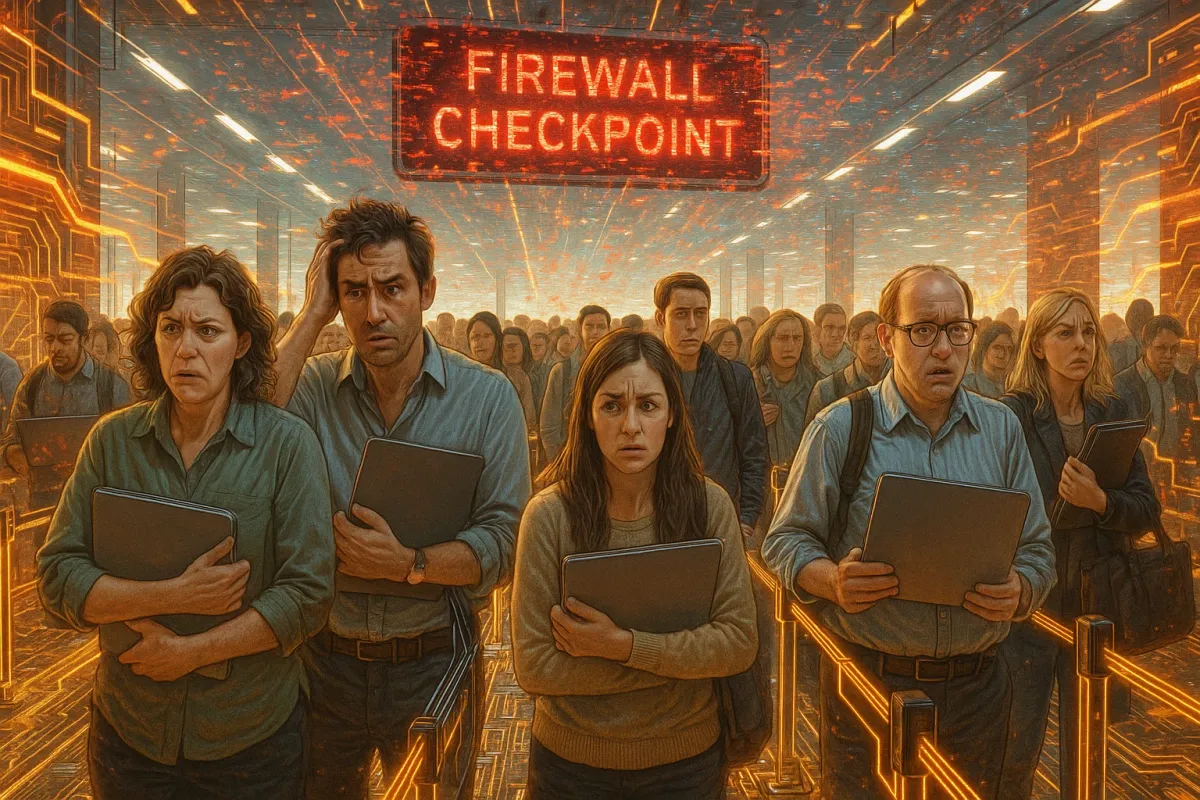
If airport security lines look wild right now, your website’s security perimeter is even crazier—and unlike the TSA, hackers don’t take holiday breaks. As travelers gear up for record‑breaking crowds and gadgets galore (think those “25 Travel Gadgets” lists everyone’s sharing), cybercriminals are quietly gearing up too. More devices, more logins, more quick purchases on sketchy Wi‑Fi = a perfect storm for attacks on sites that aren’t locked down.
While airlines are scrambling to keep planes on time, you should be scrambling to keep your site online, safe, and fast. Let’s treat your website like a digital airport: you’ve got passengers (users), baggage (data), runways (servers), and a whole lot of chaos if security falls apart. Here’s how to keep your site from becoming the cybersecurity version of a holiday travel meltdown—right now, when traffic spikes and fraud attempts are peaking.
Turn Your Login Page Into A VIP Lounge, Not A Crowded Gate
During peak travel, airports increase ID checks because more people = more risk. Your login page is the exact same story. This holiday season, attackers are slamming login forms with credential‑stuffing attacks, trying billions of stolen username/password combos from old data breaches.
Instead of leaving your login page wide open like a budget airline gate, upgrade it to VIP‑only:
- Enable 2FA or MFA for all admin accounts (and for users if you can). Text codes are okay; authenticator apps or hardware keys are better.
- Block brute‑force attempts with rate limiting and lockouts after repeated failures.
- Ditch weak passwords and require passphrases (e.g.,
beach-chair-wifi-2025!) instead ofWinter2024!. - Hide your admin URL where possible (
/admin-super>/admin), especially on CMS platforms like WordPress. - Use SSO (Single Sign-On) for teams using Google Workspace or Microsoft 365, so when one account is revoked, access is instantly cut everywhere.
Every extra second you add for attackers is a nightmare for them—but a barely noticeable blip for legit users, especially if you keep the experience clean and quick.
Treat Public Wi‑Fi Like Turbulence: Expect It, Design For It
That “free airport Wi‑Fi” everyone’s jumping on while reading travel gadget reviews? It’s a goldmine for interception, phishing, and session hijacking. Your users are logging into your site from hotels, trains, crowded terminals, and random cafés. Your security can’t assume they’re on safe networks.
Bake this into your site like airlines plan for turbulence:
- Force HTTPS everywhere with HSTS and redirect all HTTP traffic to HTTPS—no exceptions, no “mixed content” warnings.
- Use secure cookies only (
SecureandHttpOnlyflags) so they can’t be easily stolen on insecure networks. - Shorten session lifetimes for high‑risk actions (billing, dashboards, admin areas) so stolen sessions are less useful.
- Add device + geo awareness: if logins suddenly appear from new countries or unknown devices, trigger extra verification.
- Keep UI clean and legit: clear branding, consistent URLs, and no sketchy pop‑ups—so users can more easily spot phishing imposters of your site.
Your goal: even if users are being reckless on public Wi‑Fi, your site behaves like the world’s most paranoid travel buddy.
Your Black Friday Traffic Might Be A Bot Swarm In Disguise
Just like TSA agents now use smarter scanners to spot suspicious bags under insane queue pressure, you need smarter detection to distinguish real users from malicious bots when your traffic spikes. Sales, promos, or seasonal content can suddenly make your site a target for:
- Card‑testing bots hammering your checkout with stolen credit cards
- Scalper bots grabbing inventory at light speed
- Scraping bots cloning your content or prices
- DDoS attacks meant to take you offline when your audience is highest
Level up your “digital scanner”:
- Add a WAF (Web Application Firewall) through your host or a CDN (Cloudflare, Fastly, Akamai, etc.).
- Use behavioral bot detection—not just CAPTCHAs. Track patterns like impossible click speeds, no mouse movement, weird headers.
- Throttle suspicious IP ranges and countries that have no business hitting your checkout or admin endpoints.
- Monitor for sudden surges in failed payments, abandoned checkouts, and odd query patterns in your logs.
- Tag and track bad bots—don’t just block once. Use rules that adapt and stay updated.
When your traffic graph looks like a rocket launch, you want to know if it’s actual customers—or a bot army trying to ruin your day.
Stop Packing Explosives In Your Plugins & Themes
Holiday packing rule: the more random stuff you shove into your suitcase, the more likely something leaks, breaks, or gets flagged at security. Your site is no different. Every unused plugin, outdated theme, or random script is another possible exploit point—especially now, when new CVEs (Common Vulnerabilities and Exposures) are dropping constantly.
Treat your stack like carry‑on, not a moving van:
- Audit plugins and modules monthly—delete anything you don’t actively need.
- Only install from reputable sources (official marketplaces, verified authors, well‑maintained GitHub projects).
- Set a patch schedule: security updates ASAP, regular updates on a weekly cadence, not “whenever we remember.”
- Avoid abandoned software—if the last update was years ago, that’s digital rotten food.
- Lock down write permissions on critical files (like
wp-config.php,.env, core CMS files) so injected malware can’t modify them easily.
Lean stacks are faster, safer, and way easier to monitor. If you wouldn’t throw it in your carry‑on before sprinting to a gate, don’t load it on your production server.
Run “Fire Drills” Before Hackers Do It For Real
Airports run emergency drills constantly—evacuations, power failures, runway shutdowns. Your site needs that same mindset. Most breaches don’t become disasters because of the initial exploit; they blow up because teams panic, don’t know what to do, and lose hours or days fumbling.
Before this holiday traffic wave gets any wilder, run some digital fire drills:
- Practice your “site down” protocol: who gets notified, where is the status page, how do you communicate with users?
- Test backups by actually restoring them to a staging server. “We have backups” is meaningless unless you’ve proved they work.
- Simulate an account breach: what do you do if an admin account is compromised? Can you revoke access fast?
- Map your critical data (user info, payment details, internal docs) and know exactly where it lives.
- Pre‑write incident messages for “partial outage,” “security incident under investigation,” and “all clear” so you’re not drafting under stress.
The goal is simple: if something goes wrong at 3 a.m. during a promo, you’re acting from a playbook—not vibes and chaos.
Conclusion
Right now, millions of people are stuck in actual security lines, juggling laptops, passports, and too many bags. Behind the scenes, cybercriminals are hoping you’re just as overloaded—and that your website is the weak link in all this holiday madness.
You don’t control the airlines, the weather, or the airport snack prices. But you do control how safe, smooth, and resilient your site is when traffic surges and risk skyrockets. Harden your login like a VIP lounge, build for sketchy Wi‑Fi, spot bot swarms, trim your tech “luggage,” and rehearse your response before you need it.
Do that, and while the world melts down in security lines, your site will be the one thing in the journey that actually works.
Key Takeaway
The most important thing to remember from this article is that this information can change how you think about Security Guide.



