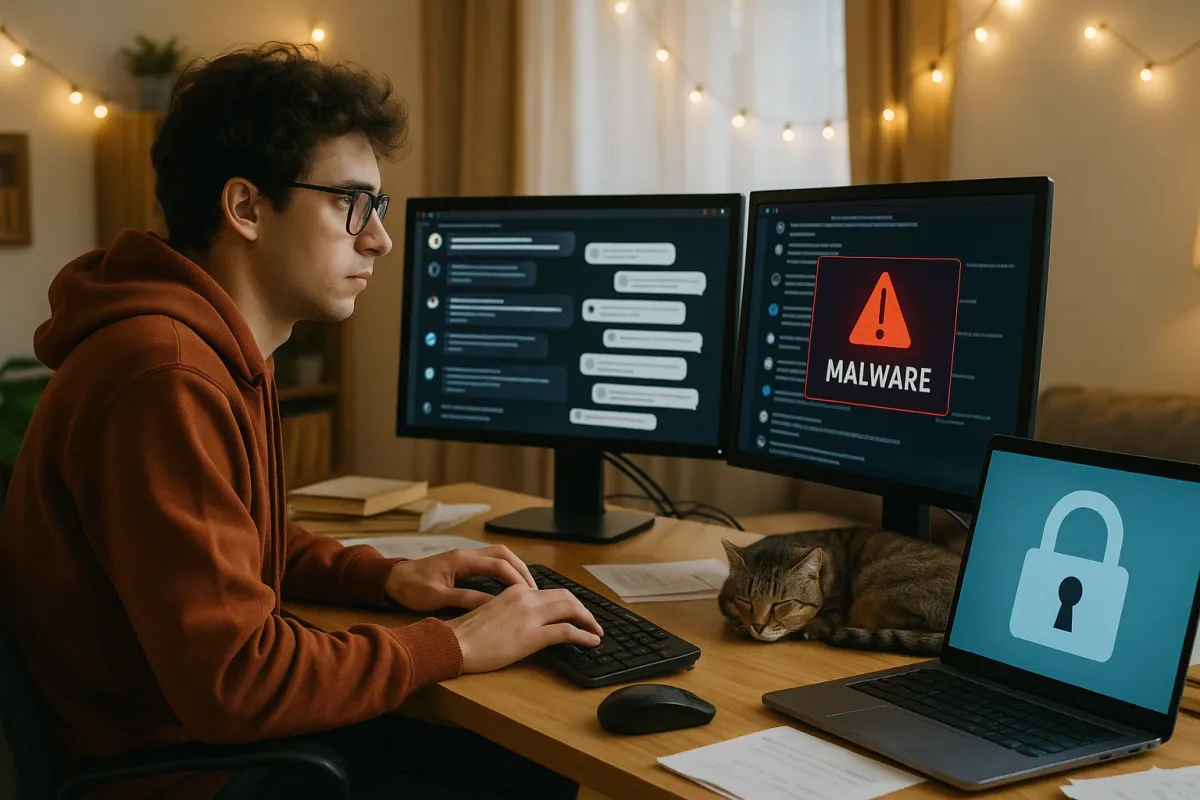
The internet is unhinged right now—and that’s exactly why your website needs serious protection. From “cursed comments” that go viral in minutes to real-estate listings from hell getting roasted by millions, one thing is obvious: people will absolutely find your chaos and share it. And that includes your security fails.
Inspired by the viral “Cursed Comments” trend (and all the oversharing, screen‑grabbing, and dogpiling that comes with it), this guide flips the script: instead of laughing at other people’s disasters, let’s make sure your site never becomes the next security meme.
If your brand lives online, you’re just one leaked admin screenshot, one misconfigured login, or one bad comment thread away from a nightmare. Here’s how to stay safe in a world where everyone is watching and receipts last forever.
Lock Down the Comment Chaos Before It Becomes Evidence
The “Cursed Comments” subreddit blew up precisely because people love to screenshot the absolute worst things they see online. Now imagine those cursed comments happening on your site—under your brand—forever capturable, searchable, and sharable.
From a security perspective, comments aren’t just about vibes. They’re a threat vector:
- Attackers can drop malicious links that trick your users into phishing sites.
- They can attempt XSS (cross-site scripting) attacks via “innocent” text fields.
- They can dox, harass, or leak sensitive info that then spreads off‑platform.
- Sanitize all user input: Use a trusted HTML sanitizer and escape dangerous characters. Don’t rely on “people will behave.”
- Strict link rules: Auto‑nofollow user links, add warning labels for external URLs, and enable basic URL reputation checks if your stack supports it.
- Rate-limit posting: Stop spam floods and bot attacks by throttling comment frequency and enforcing cooldowns.
- Moderation with receipts: Log IPs, timestamps, and basic metadata for reports and abuse reviews—while respecting privacy laws.
- Content filters: Use a mix of automation (keyword filters, abuse classifiers) plus human review for escalations.
Security moves that keep your comment section from becoming a crime scene:
In 2025, chaos will happen. Smart brands assume screenshots are inevitable and design their comment systems like evidence will end up on Reddit.
Treat Every Form Like a Trap—Because Attackers Already Do
The same internet that roasts “real estate listings from hell” loves exposing bad login pages and insecure forms. Weak forms are not just ugly UX; they’re a massive security risk.
Attackers scan:
- Contact and signup forms for injection flaws
- Login pages for brute-force or credential stuffing
- Upload fields for malware injection
- Enforce HTTPS everywhere: No exceptions. Insecure forms are basically public shout-outs to attackers.
- Stop brute-force login attacks: Rate-limit logins, use exponential backoff, and lock accounts temporarily after repeated failures.
- Use reCAPTCHA or similar: Invisible CAPTCHAs can silently block bot traffic without murdering UX.
- Validate on server, not just client: JavaScript checks are nice, but attackers can bypass them in seconds.
- Harden file uploads: Strict file types, size limits, virus scans, and store files outside your web root.
To avoid featuring in someone’s viral “I hacked my own landlord’s portal in 10 minutes” thread:
Think of every field on your site like a stranger walking into your house: never trust what they say, verify everything.
Don’t Let Old Tech Turn Your Site Into a Digital Museum Piece
That viral “40 obsolete things” gallery? Funny when it’s floppy disks. Not funny when it’s your PHP version, WordPress core, or ancient plugin still running your production site. Outdated tech is hacker catnip.
Attackers literally:
- Crawl the web looking for specific outdated plugin versions
- Match those versions with public exploit databases
- Auto‑attack in bulk—no manual hacking genius required
- Auto-update what you can: CMS core, themes, plugins—set updates to automatic where safe.
- Audit plugins like you audit expenses: Remove anything unused or abandoned. Fewer plugins = fewer vulnerabilities.
- Follow end-of-life dates: When your language/runtime (PHP, Node, Python) hits EOL, treat it as urgent, not optional.
- Stage before you push: Use a staging environment to test updates before they hit your live site.
- Vendor status checks: Subscribe to security advisories for your CMS and major components.
To avoid starring in a “Look at this 2014 WordPress setup still online” post:
Modern brands shouldn’t be running a retro tech museum. If your stack looks like a nostalgia post, it’s time for a security glow-up.
Design for Privacy Like Every Page Could Go Viral Tomorrow
Those “overheard Uber rides” and “feel‑good how it started vs. how it’s going” posts? They’re built on screenshots of private life leaking into public feeds. The same thing happens to dashboards, admin panels, and customer portals—people screen‑grab everything.
Assume:
- A customer might screenshot your dashboard and share it on X or TikTok.
- An employee might screen-share the wrong tab.
- A bug might expose data you never intended to show.
- Minimize visible sensitive data by default: Mask emails, phone numbers, and IDs unless explicitly revealed by the user.
- Granular access controls: Only show what each role truly needs. Over‑permissive dashboards are a goldmine when misused.
- Tight session management: Short, sensible session timeouts; device / location checks for risky actions.
- Security prompts for high‑risk actions: Re-auth prompts for changing email, password, payout details, or API keys.
- Clear data boundaries: If it would be catastrophic in a screenshot, rethink whether it should be on-screen at all.
So design like every pixel is public:
If your UI ended up in a viral “look what this company accidentally showed me” thread tonight, would you be okay with what’s visible?
Make “Receipts” Work for You: Logging, Alerts, and Public Response
Internet drama lives on screenshots and “receipts.” The same concept is your best friend in security—if you plan for it. When something goes wrong, you want logs, alerts, and a clean narrative ready to go, not chaos.
Right now, users expect:
- Fast, honest security disclosures
- Proof you actually fixed the issue
- Visible signs you take protection seriously
- Serious logging: Log logins, password resets, permission changes, and critical actions—without logging sensitive raw data.
- 24/7 alerts: Use monitoring to flag suspicious spikes in traffic, failed logins, or new deployment changes.
- Backups like a time machine: Automated, off-site, and tested regularly so you can roll back fast.
- Incident playbook: Who responds, what you say publicly, how you notify users, and how you document the fix.
- Security page / status page: A public URL you can update if something goes sideways, plus a way for security researchers to contact you.
Turn that into a strategy:
If the worst happens and someone posts a long thread exposing your bug, you want to respond with calm clarity, not panic and guesswork.
Conclusion
The same energy that fuels “cursed comments,” chaotic listings, and viral threads is the energy your website lives in every single day. People will zoom in, screenshot, roast, and share—whether you’re ready or not.
You can’t control the internet’s chaos, but you can control how hardened, private, and resilient your corner of it is:
- Comment sections built like evidence will leak
- Forms and logins treated like active battlefields
- Tech stacks that don’t belong in “obsolete” galleries
- Interfaces designed for viral screenshots without disaster
- Logs and playbooks that turn “receipts” into your defense, not your downfall
Lock it down now, while it’s still a funny meme and not your brand in the spotlight. Because on today’s internet, security isn’t just a backend chore—it’s your reputation’s best friend.
Key Takeaway
The most important thing to remember from this article is that this information can change how you think about Security Guide.



